Quickstart
Install
keelyard needs Python 3.11 or newer and git.
pipx install git+https://github.com/akobirjontulqinovfuture/keelyard
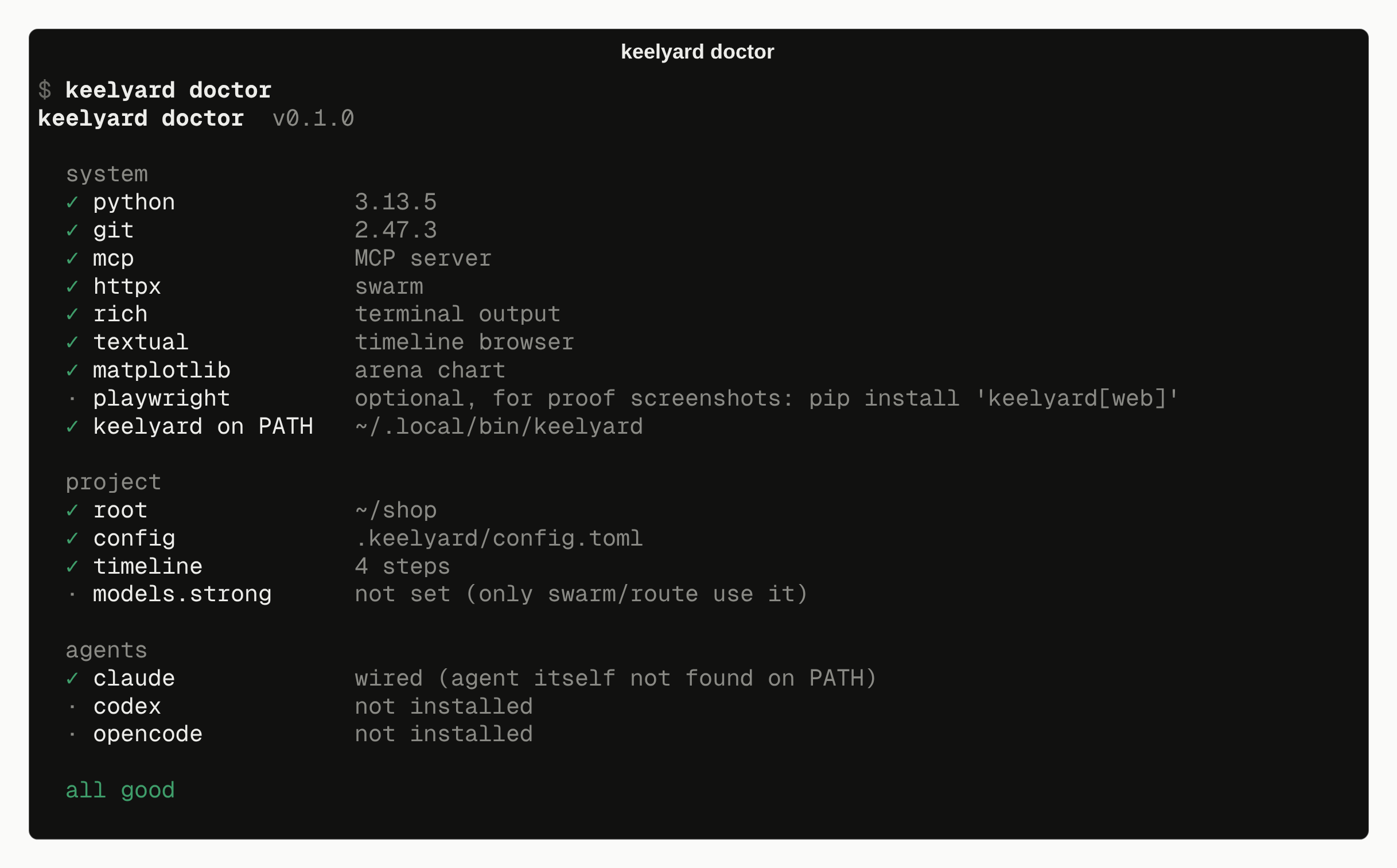
pip install works too. Agents call keelyard by name, so it has to be on PATH. keelyard doctor
checks that.
Set up a project
cd your-project
keelyard init
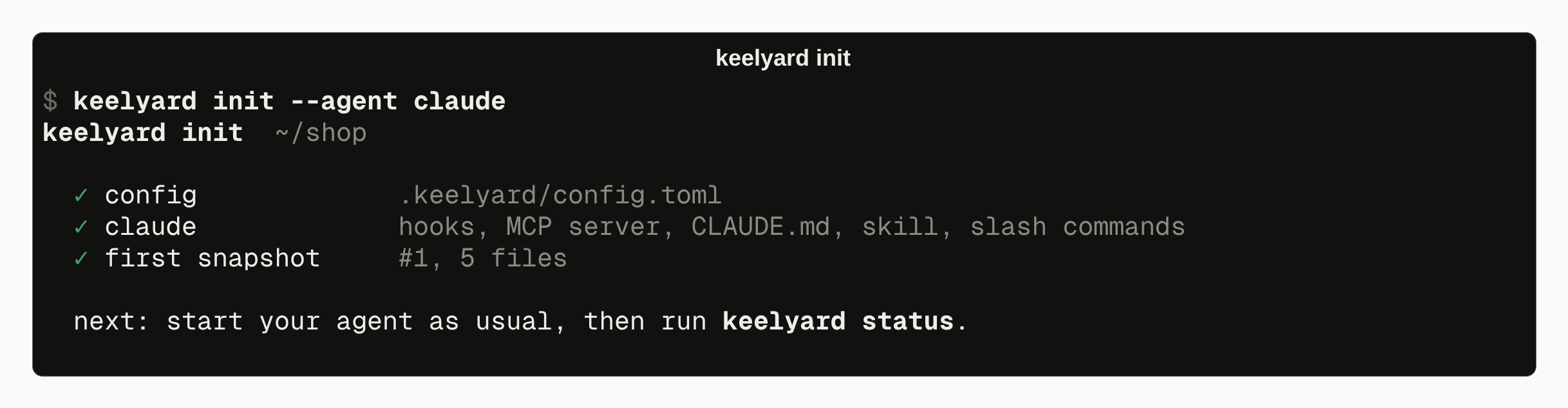
- With no flags, every agent found on this machine is wired. To pick agents, use
--agent claude(you can repeat the flag). To see what would change without changing anything, use--dry-run. - Codex needs two extra steps. Paste the printed
[mcp_servers.keelyard]block into~/.codex/config.toml, then run/hooksonce inside Codex to trust the hooks. - Running
initagain is safe. It updates keelyard's own entries and leaves yours alone.
Check it
keelyard doctor     # installation and wiring; exits 3 if something is broken
keelyard selftest   # a scripted agent does a full task through MCP and hooks, in a temp folder
Use your agent
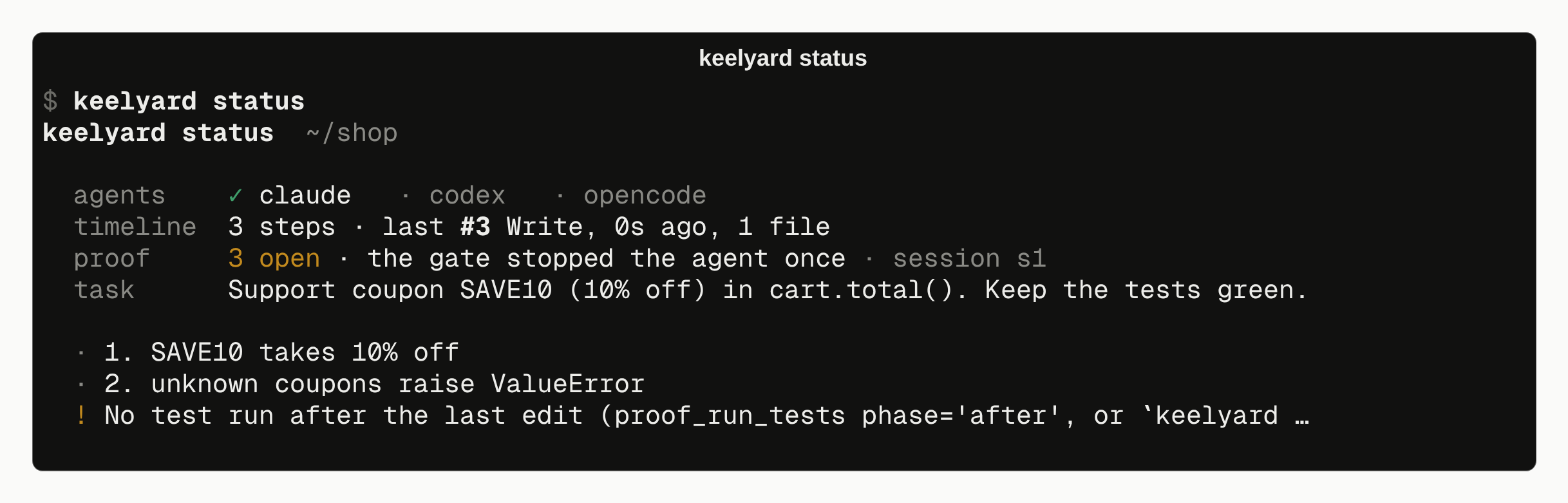
Work as usual. While the agent works:
keelyard status          # snapshots, proof checklist, what is still open
keelyard rewind list     # every step, newest last
keelyard rewind to 7     # put files back as they were after step 7
keelyard proof report    # the HTML report for this session
Remove it
keelyard uninstall claude    # removes only keelyard's entries
rm -rf .keelyard             # snapshots, proof bundles, caches